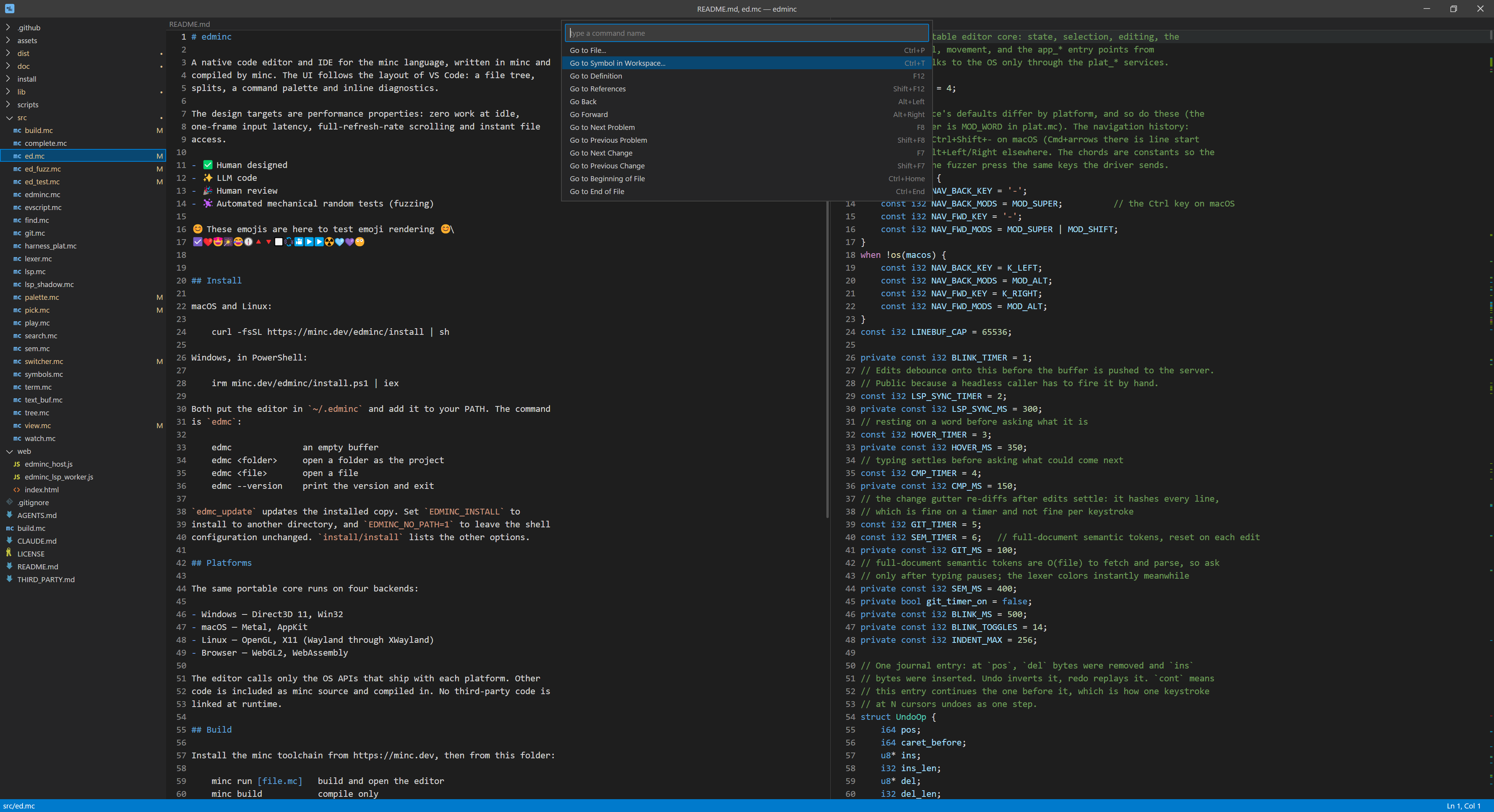
Minimal IDE
Multiple buffers, splits and windows; fuzzy file open and a command palette; project-wide search; multiple cursors; selections, clipboard and undo; minc syntax highlighting, with a basic pass for a few other languages.
A language server client for diagnostics, go to definition, hover, references, completion, signature help, workspace symbols and semantic tokens. A git change gutter, tree decorations, and a changes view with a side-by-side diff against HEAD. Build and run from the editor, per-folder session restore, and color emoji.
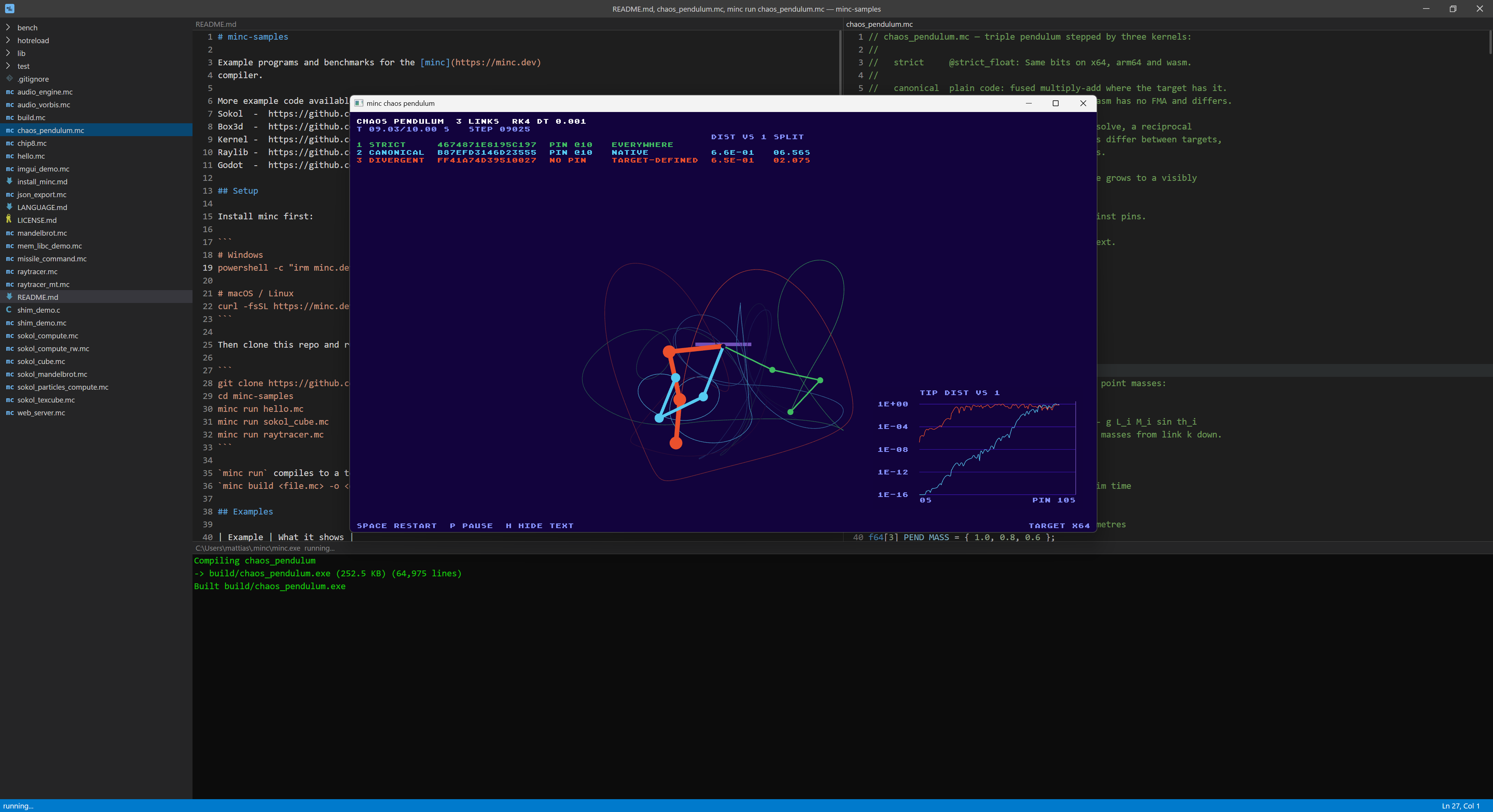
Terminal
The terminal pane runs your shell beside the code. It is a full terminal emulator on a pseudo-terminal, so full-screen programs work, and it picks up your own terminal's colors on Windows and macOS. Use it for git, minc test, or LLMs like claude.
Open as many as you like. The switcher lists them alongside your open files.
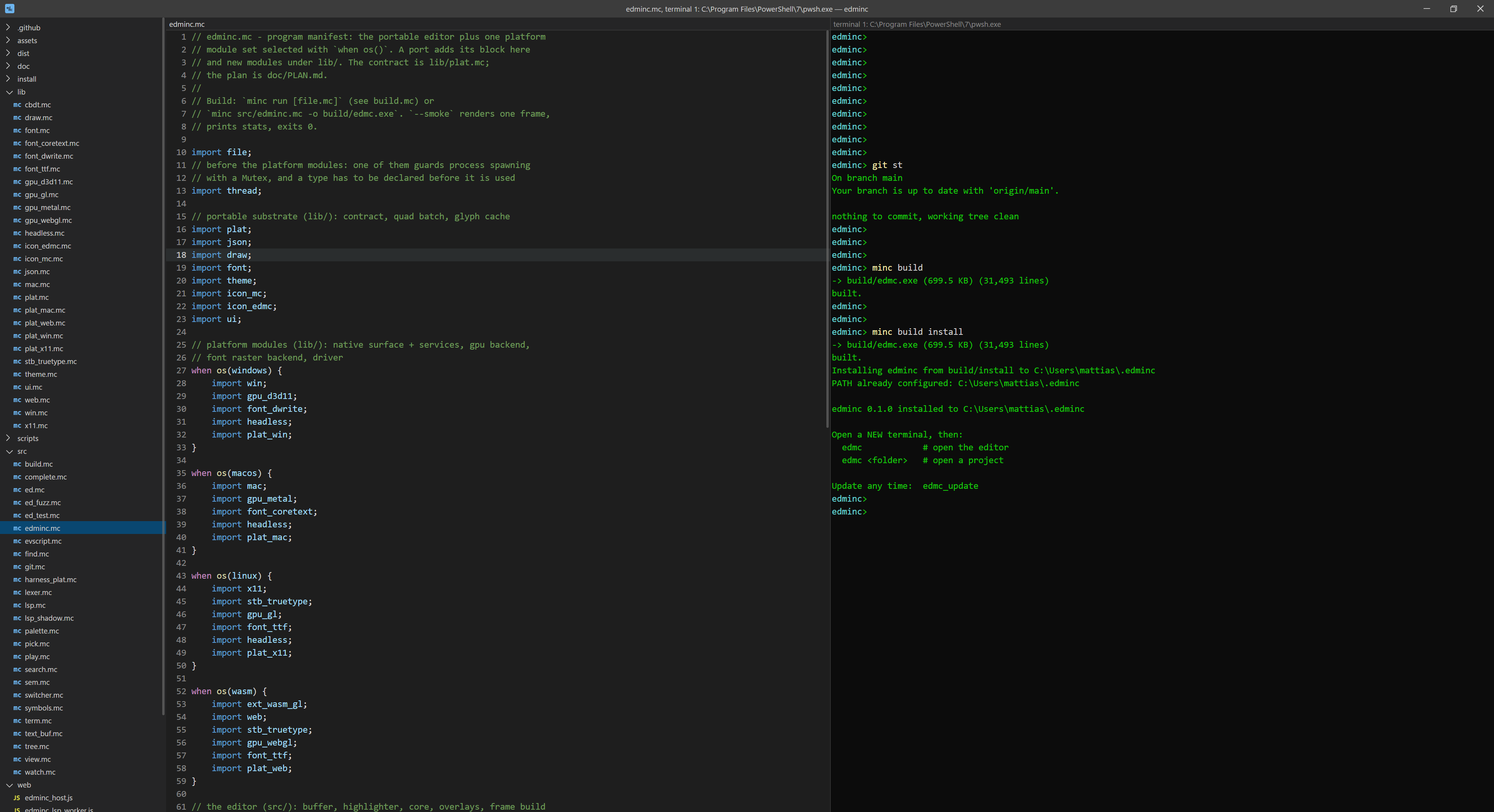
Color themes
24 built-in themes, light and dark, from Dark+ and Light+ to Dracula, Nord, Solarized and Tokyo Night. Pick one with Preferences: Color Theme in the command palette. The list previews each theme as you move through it, and Escape puts the old one back.
Any single color, including the syntax colors, can be changed in
settings.json. Saving the file applies it at once, and
the terminal follows the theme.
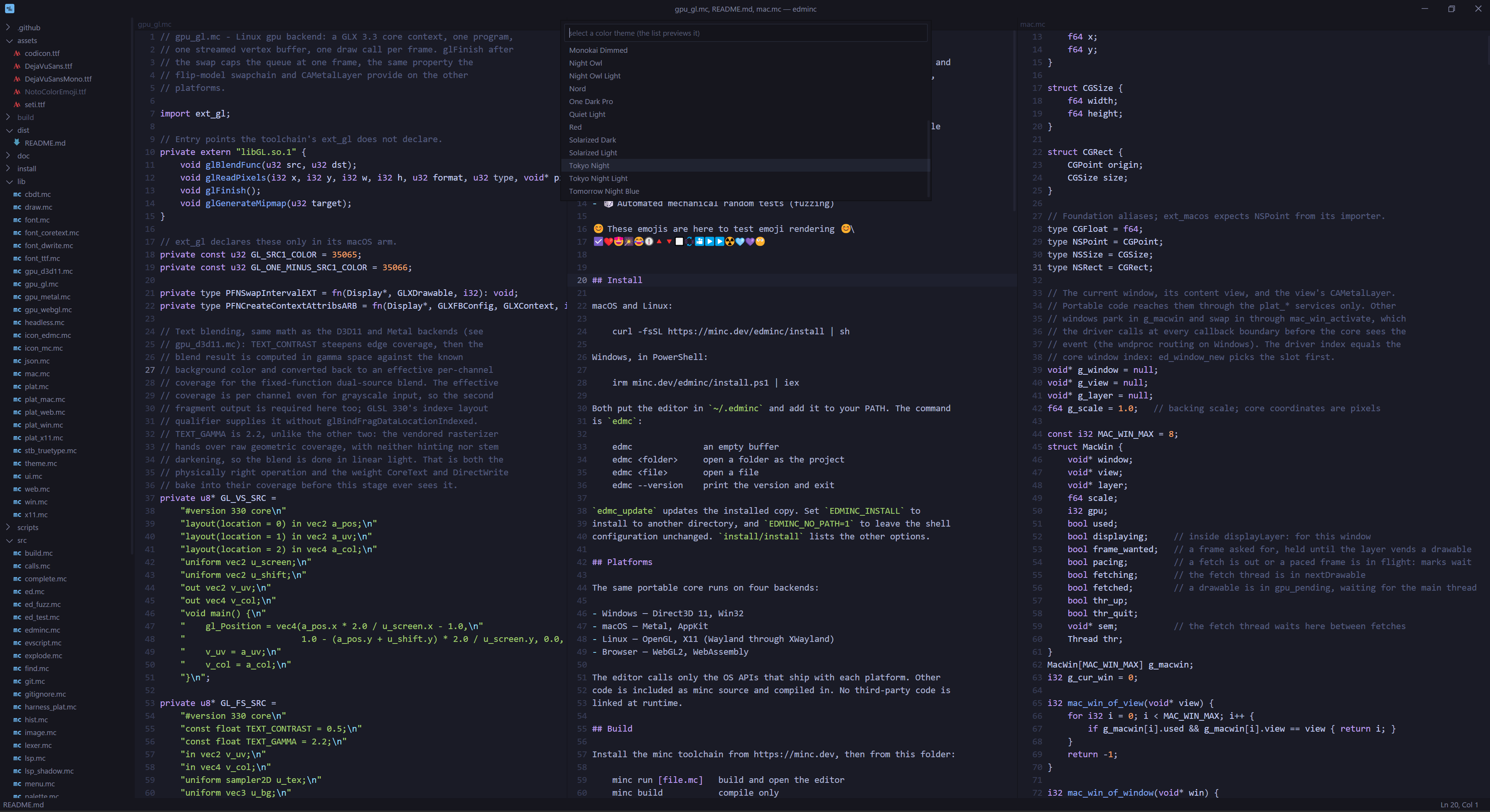
Easy to use
The installer puts the editor in ~/.edminc and adds it
to your PATH. The command is edmc.
edmc_update updates the installed copy. Set
EDMINC_INSTALL to install to another directory, and
EDMINC_NO_PATH=1 to leave your shell profile
untouched. The install script lists the other options.
$ edmc                // an empty buffer
$ edmc <folder>       // open a folder as the project
$ edmc <file>         // open a file
$ edmc --version      // print the version and exit

$ edmc_update         // update the installed copy
Four platforms, one core
The same code runs on four platforms. On each, the editor uses only what the operating system itself provides. Everything else, from font rendering to the terminal, is minc source compiled into the editor, so it loads no third-party libraries.
- Windows: Direct3D 11, Win32
- macOS: Metal, AppKit
- Linux: OpenGL, X11 (Wayland through XWayland)
- Browser: WebGL2, WebAssembly
// Build from source with the minc toolchain:

$ minc run [file.mc]   // build and open the editor
$ minc build           // compile only
$ minc build install   // compile, then install it
$ minc test            // build and run the tests
$ minc wasm            // build and run the browser version
$ minc clean           // remove build output
How it is made
edminc is a test of minc on a full-size application: a program redrawn by the GPU every frame, with a language server client, a terminal and its own font renderer built in, compiled by the same compiler on every platform.
- ✅ Human designed
- ✨ LLM code
- 🎉 Human review
- Automated testing with random input (fuzzing)
// A local build installs to the same place
// as a release: minc build install hands the
// new build to the release install script.

$ minc build install
$ edmc .